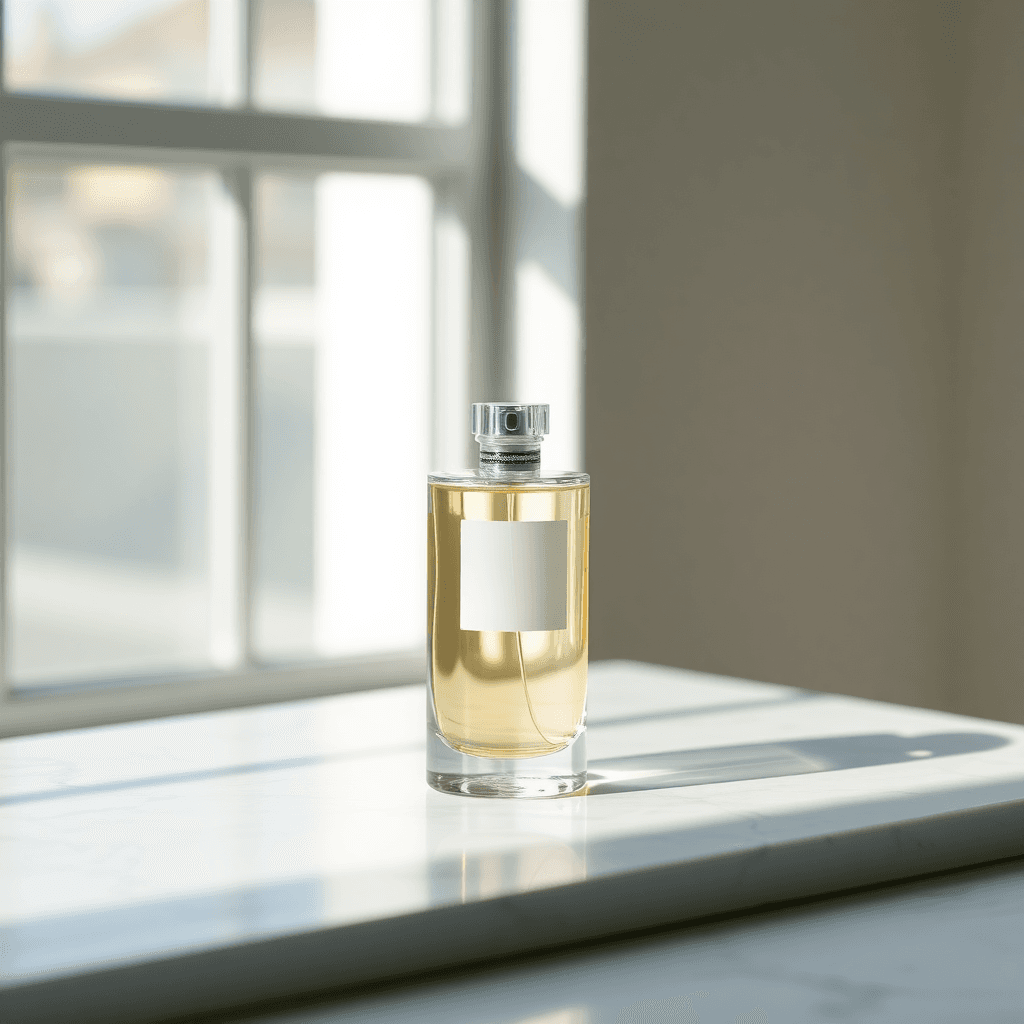
ProductFLUX.1 schnell1:1
A minimalist glass perfume bottle on a white marble surface, soft morning window light, gentle shadows, shallow depth of field, clean commercial product photography.
Describe the image you want, choose its shape and size, and generate up to four variations at once. No design skills needed.
Sign in to get your daily credits. No credit card required.
Every image below started as a single text prompt. Copy any prompt and make it your own.
A minimalist glass perfume bottle on a white marble surface, soft morning window light, gentle shadows, shallow depth of field, clean commercial product photography.
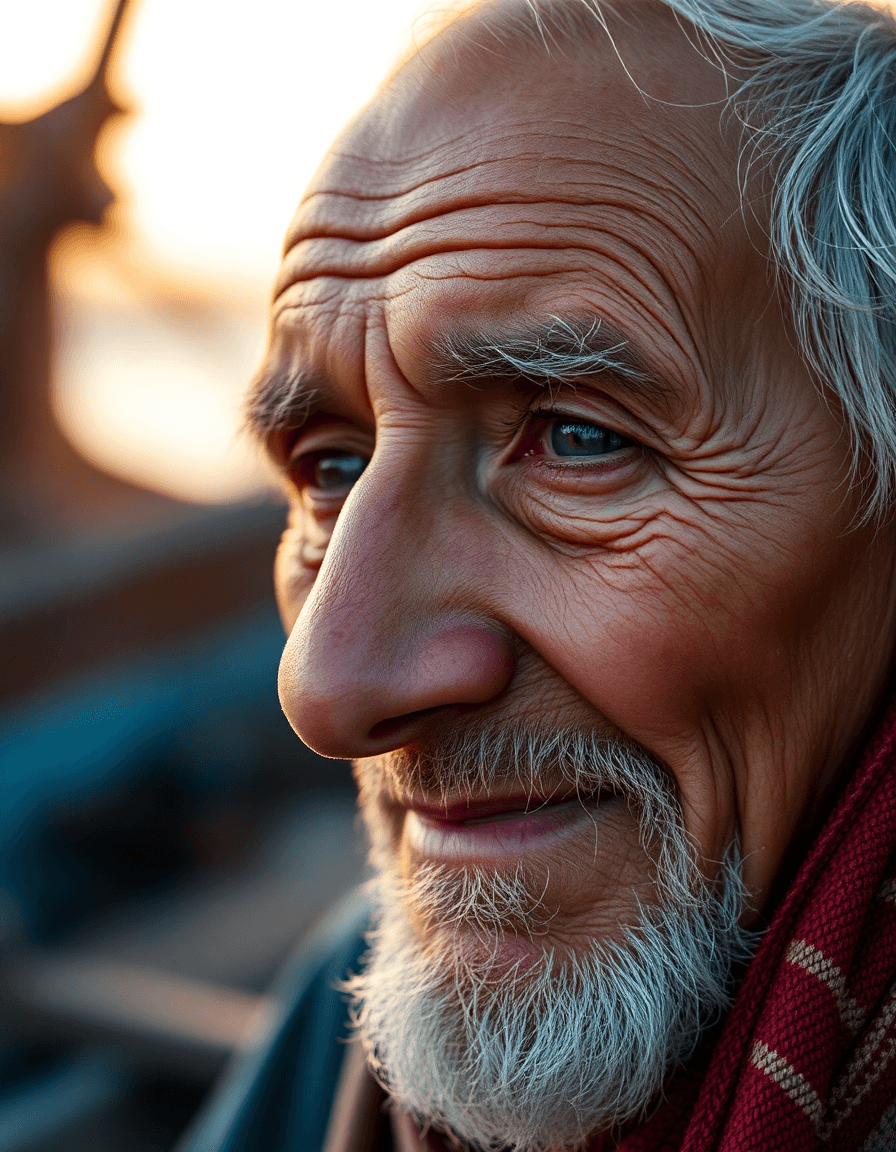
Close-up portrait of an elderly fisherman with weathered skin and kind eyes, warm golden hour light, natural film grain, 85mm lens look.
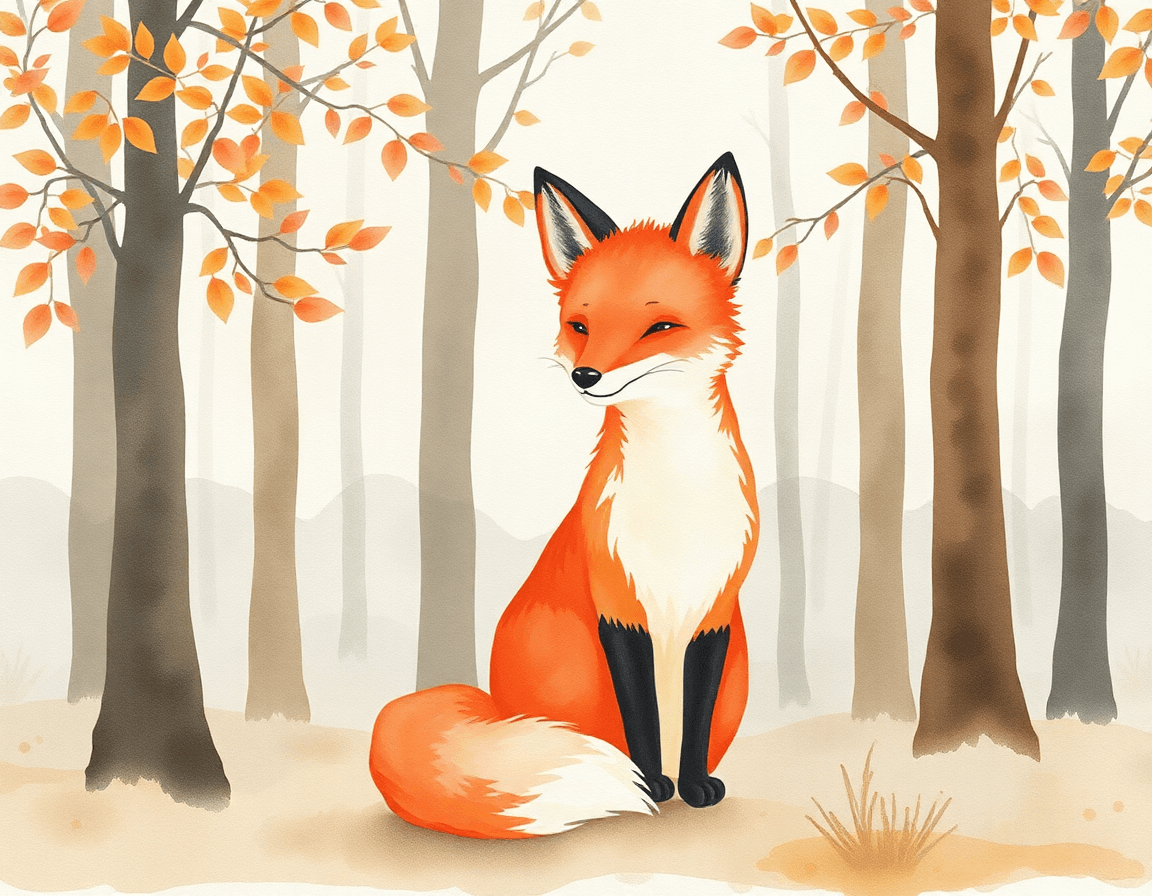
Watercolor illustration of a red fox sitting in a misty autumn forest, soft color washes, visible paper texture, gentle and calm mood.
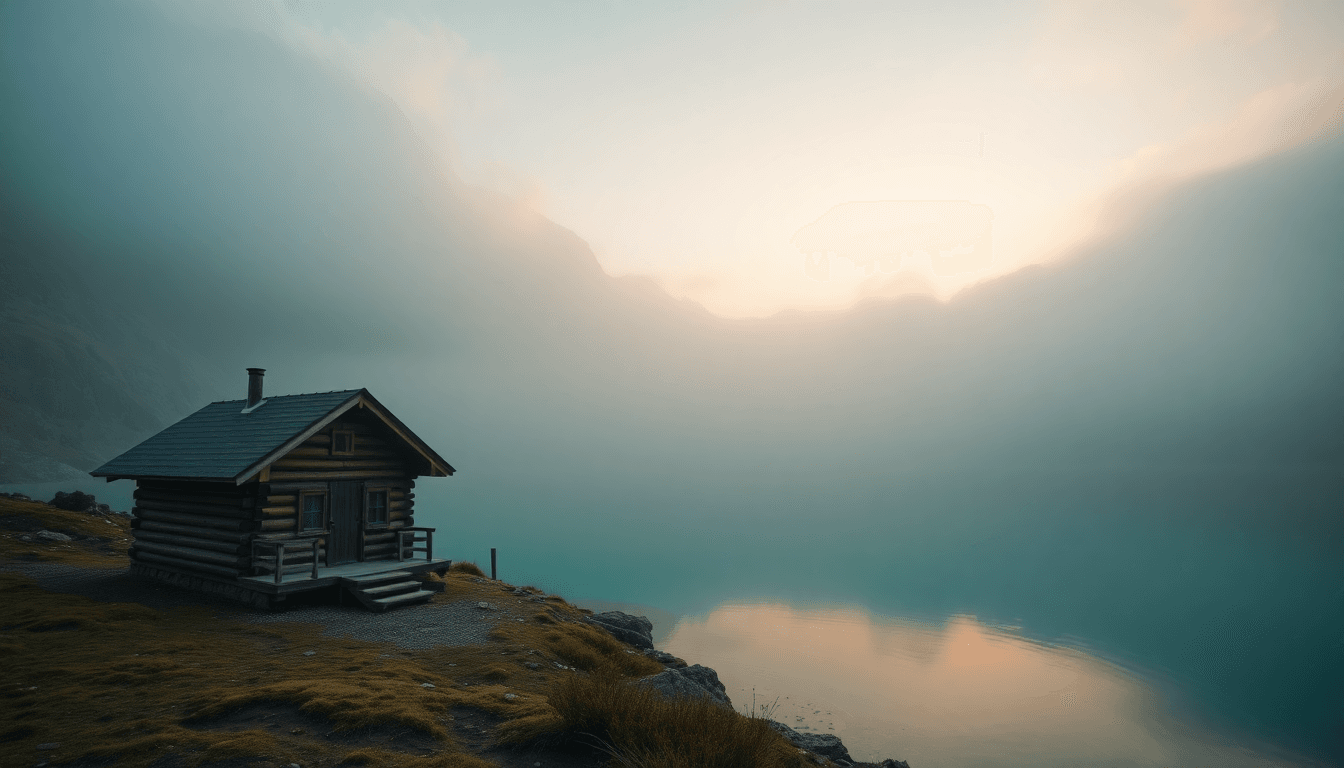
Cinematic wide shot of a lone wooden cabin beside a turquoise alpine lake at sunrise, low fog, snow-capped peaks, rich natural color.
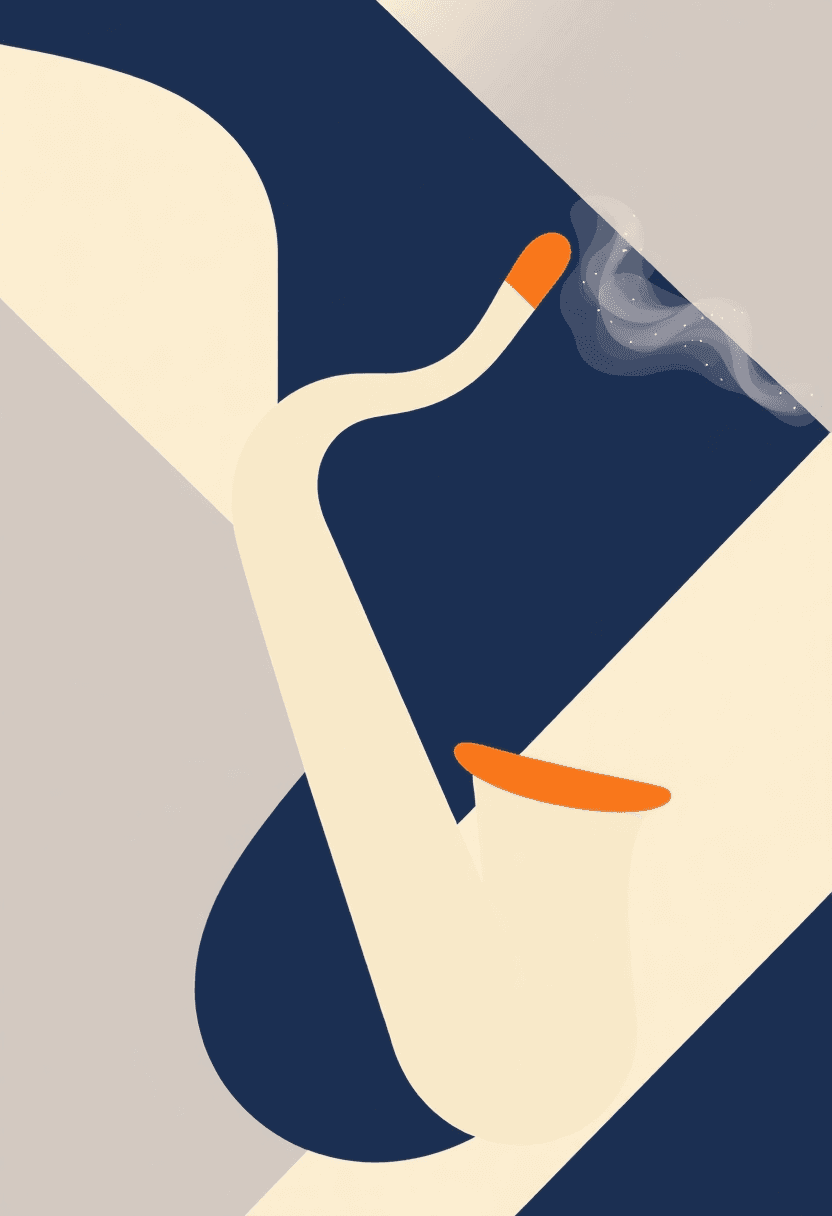
Minimal poster artwork for a jazz night, bold geometric saxophone shape, limited palette of navy, cream and orange, flat vector style, no text.
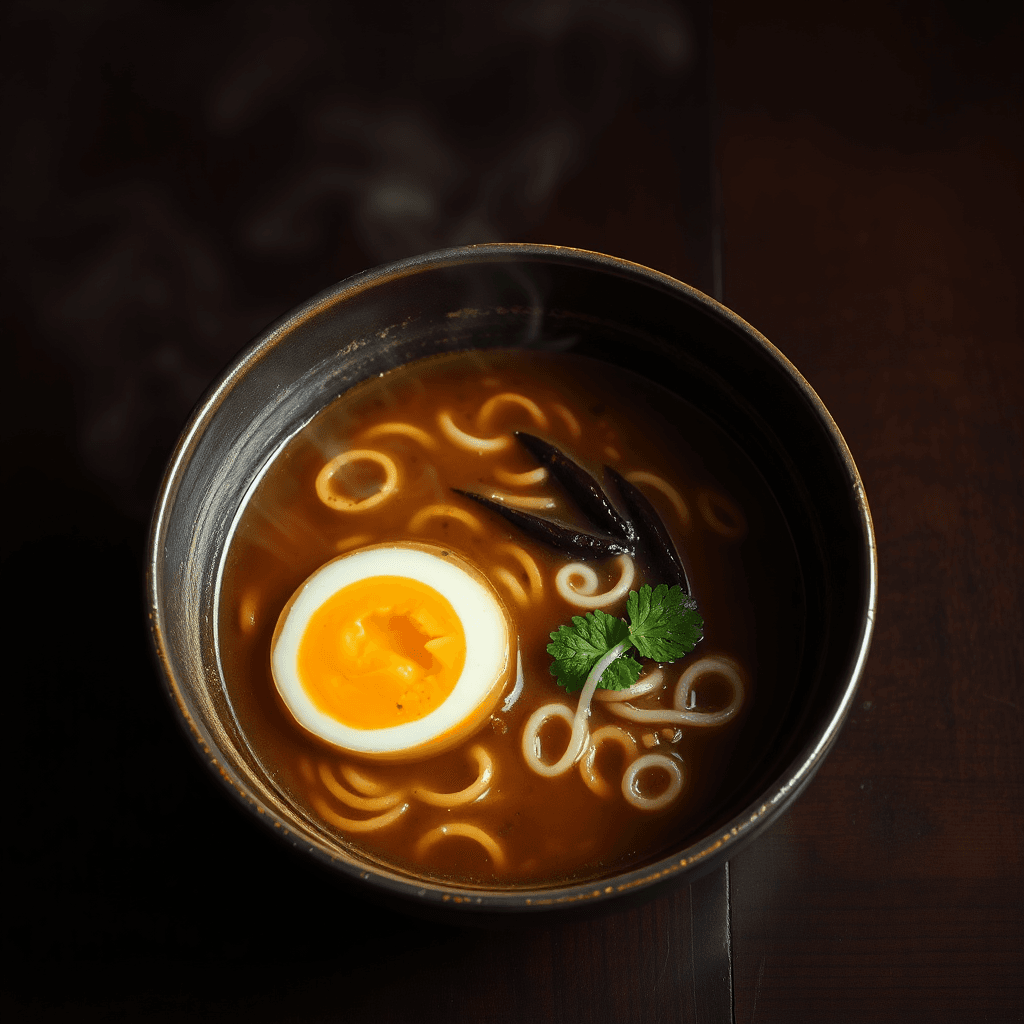
Overhead shot of a rustic bowl of ramen with a soft-boiled egg, steam rising, dark wooden table, moody side lighting, food magazine style.
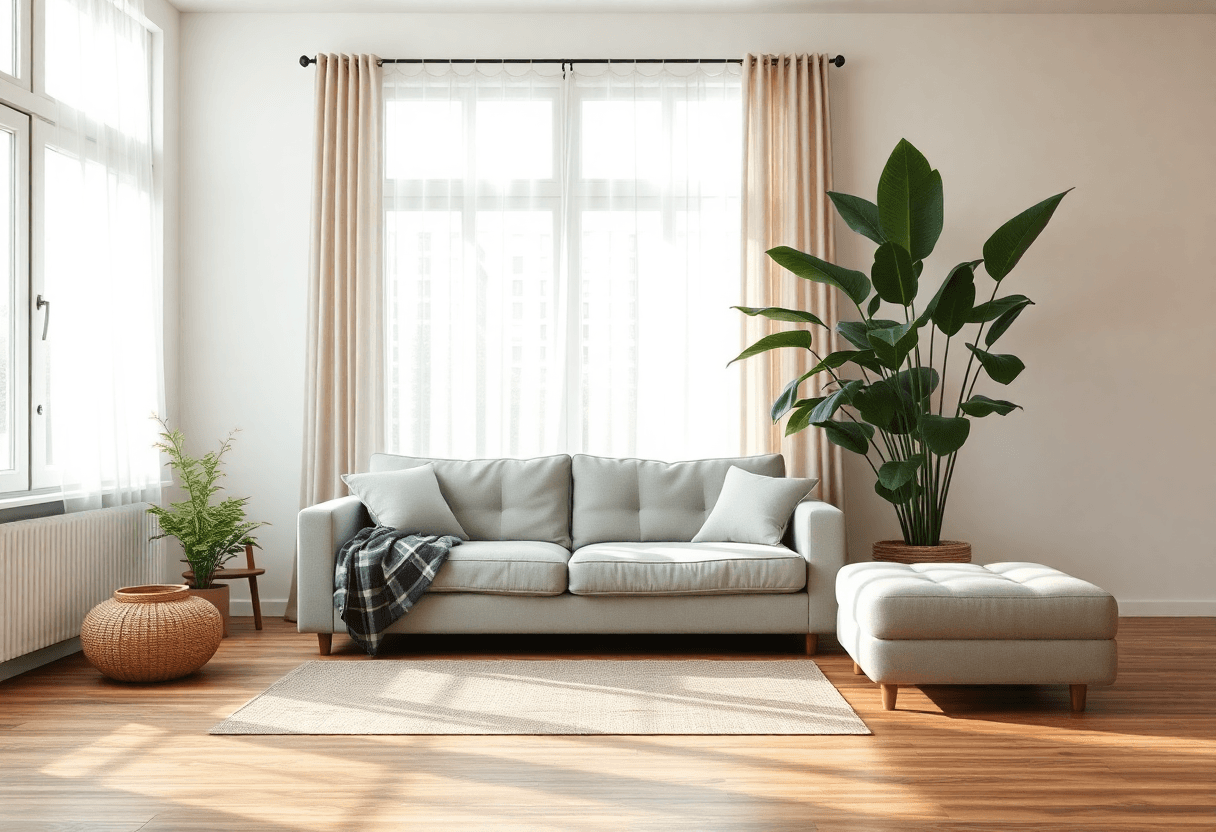
Scandinavian living room with a linen sofa, oak floor, large green plant, afternoon sunlight through sheer curtains, photorealistic interior design.
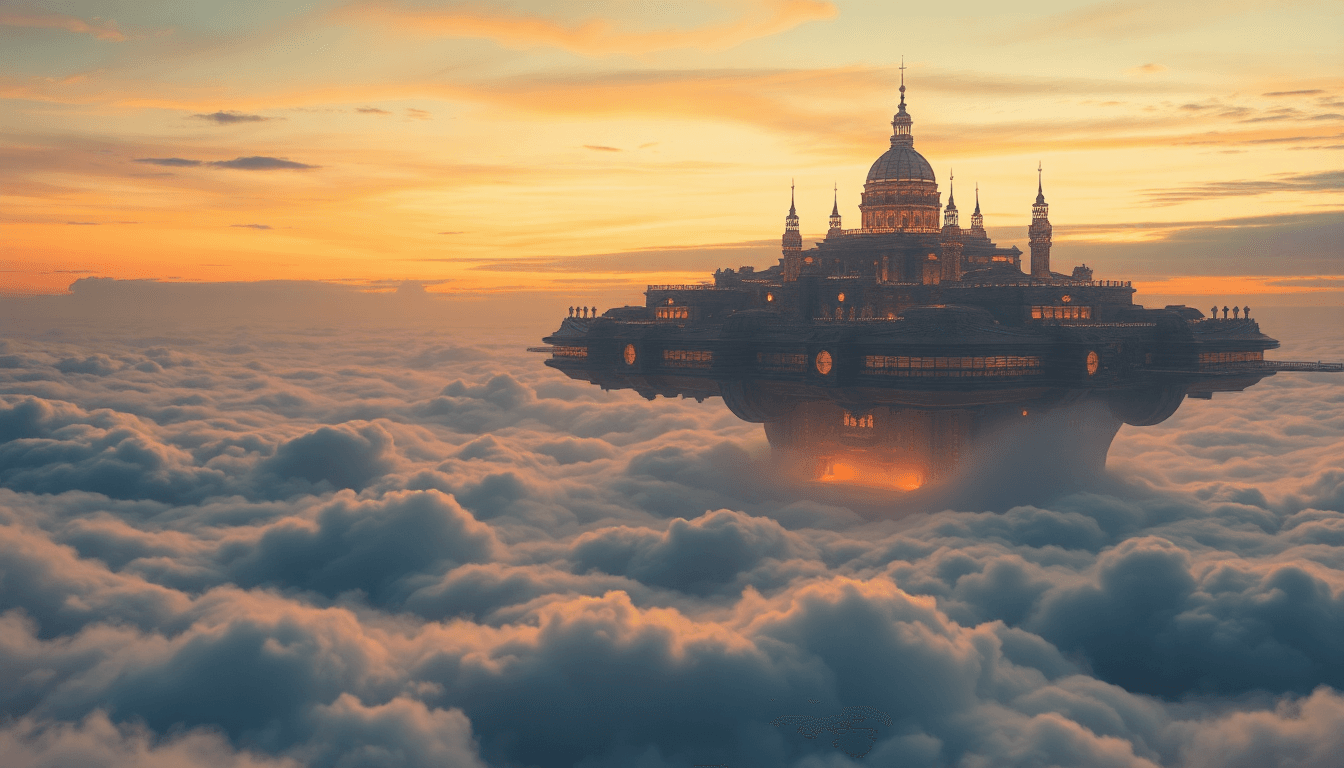
Concept art of a floating city above a sea of clouds at dusk, glowing amber windows, enormous scale, painterly style, dramatic sky.
Describe the image, choose the settings that fit the job, and generate.
Type what you want to see. A sentence is enough, and more detail gives you more control.
Pick a model, an aspect ratio, a resolution, and how many images to generate, up to four at once.
Your images appear within seconds to a couple of minutes, depending on the model. Save the ones you like and try again for more variations.
The controls stay out of the way until you need them, and the essentials are always included.
Choose from several image models in one place and use the one that suits the job. Credit cost varies by model, and you always see the cost before you generate.
Explore different takes on the same prompt side by side instead of regenerating one at a time.
Square for products and avatars, wide for covers and wallpapers, tall for posters and stories.
Every account gets 5 free credits daily, so you can create without paying.
If a generation fails, your credits are returned in full.
Your generated images stay in your account and are not shown publicly.
Use your images in your own projects, products and marketing. Generated content belongs to you, subject to the Terms.
A strong prompt usually answers five questions.
A red fox sitting on a mossy log.
Watercolor illustration, soft washes.
Golden hour, misty, calm.
Close-up, wide shot, overhead view, centered.
Autumn forest, orange and cream palette.
Weaker
a fox
Stronger
Watercolor illustration of a red fox sitting on a mossy log in a misty autumn forest, soft color washes, calm mood, wide composition.
If the result is close but not right, change one thing at a time and generate again.
Use the same generator for quick explorations and finished assets.
Working with photos you already have? Try the AI Photo Combiner.
Short answers to the questions we hear most.
Yes. Every account gets 5 free credits per day. If you need more, you can buy credits or subscribe on the Pricing page.
Each generation uses credits. The amount depends on the model, resolution and number of images. You see the cost before you generate.
You get a full refund of the credits used for that generation.
Yes. Images you generate stay private to your account.
As between PixMythos and you, generated content belongs to you. You are responsible for your prompt and how you use the result. Read the Terms for the full policy.
If you are not sure, start with the default model. You can switch models any time if you want a different look or strength.
Supported options depend on the model you choose. They include square, landscape, portrait and other proportions at the resolutions available for that model. The generator shows the exact choices after you pick a model.
Up to four variations per prompt.
No. Start with a simple sentence or pick an example prompt, then refine from there.
Get 5 free credits every day. Describe what you imagine and see it appear.